As a pool owner, few things are more frustrating than maintaining a perfect chlorine level only to wake up to a green, cloudy mess. You scrub, you shock, and you balance the pH, yet the algae returns within days. If this sounds familiar, you likely have a hidden guest in your water: phosphates. While often overlooked in basic water testing, phosphates act as a high-energy buffet for algae spores, allowing them to thrive even in sanitized environments.
Phosphates are naturally occurring chemical compounds containing phosphorus. In the world of pool maintenance, they are known as the 'limiting nutrient' for algae. This means that no matter how much sunlight or warmth is available, algae cannot grow without a food source. By understanding and controlling phosphate levels, you effectively starve algae out of existence, making your primary sanitizer—chlorine—significantly more effective. At Tiki Tides Pools, we consider phosphate management a cornerstone of professional-grade water clarity.
What Exactly Are Phosphates?
Phosphates are the organic materials that algae consume to reproduce and grow. They enter your pool through a variety of external sources and, once inside, they do not evaporate or break down on their own. Instead, they accumulate over time, building a reservoir of nutrients that waits for the slightest dip in chlorine to trigger a massive bloom.
It is important to distinguish between phosphates and other chemicals. While we measure chlorine and alkalinity in parts per million (ppm), we measure phosphates in parts per billion (ppb). This tiny scale illustrates just how potent these nutrients are; even a microscopic amount can fuel a significant biological event. If you are currently battling a bloom, you may need to follow our guide on Green Algae Treatment: How to Clear Your Pool Fast before addressing the underlying phosphate levels.
Common Sources: How Phosphates Enter Your Pool
You might wonder how these nutrients get into a controlled environment like a swimming pool. The reality is that phosphates are everywhere in the natural environment. Common entry points include:
- Environmental Runoff: Rainwater, soil, and wind-blown dust often carry high concentrations of phosphorus.
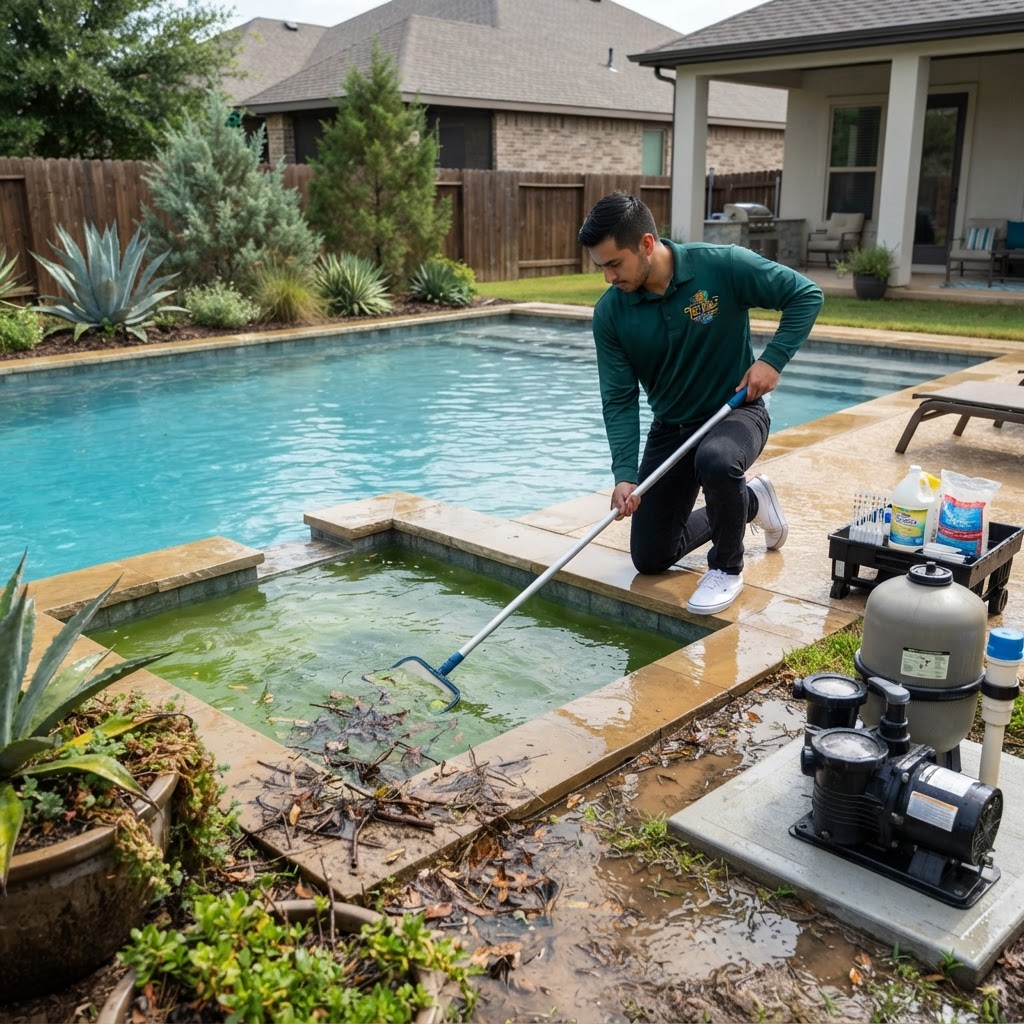
- Organic Debris: Leaves, twigs, grass clippings, and even pollen release phosphates as they decay in the water.
- Lawn Fertilizers: If you or your neighbors fertilize the lawn, even a small amount of overspray or runoff during a storm can spike your pool's phosphate levels to critical stages.
- Swimmer Waste: Human sweat, skin cells, and residues from soaps, shampoos, and sunscreens are significant contributors.
- Source Water: Some municipal water systems add phosphates to tap water to prevent pipe corrosion.
The Algae Connection: Why High Phosphates are a Problem
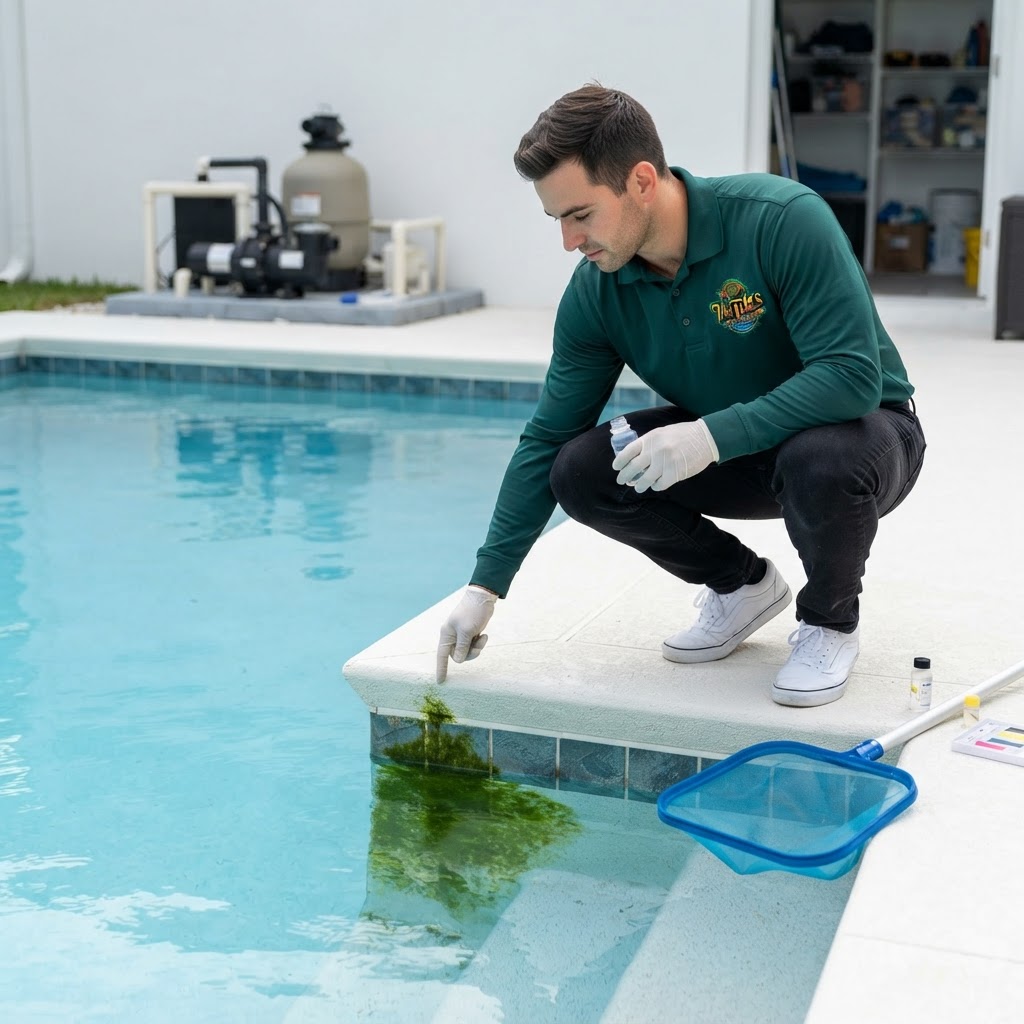
When phosphate levels are high, your chlorine has to work twice as hard. Chlorine is designed to kill organic contaminants, but when it is constantly fighting off rapidly reproducing algae fueled by a phosphate 'buffet,' it gets depleted quickly. This is often why pool owners report a 'high chlorine demand'—the chlorine is being used up as fast as it is added.
High phosphates are particularly problematic when dealing with stubborn strains like Mustard Algae: How to Identify and Eliminate Yellow Algae or the dreaded Black Algae: The Toughest Pool Problem to Kill. These varieties are already resistant to standard chlorine levels; providing them with an abundant food source makes them nearly impossible to eradicate without professional intervention.
Quick Reference: Phosphate Level Chart
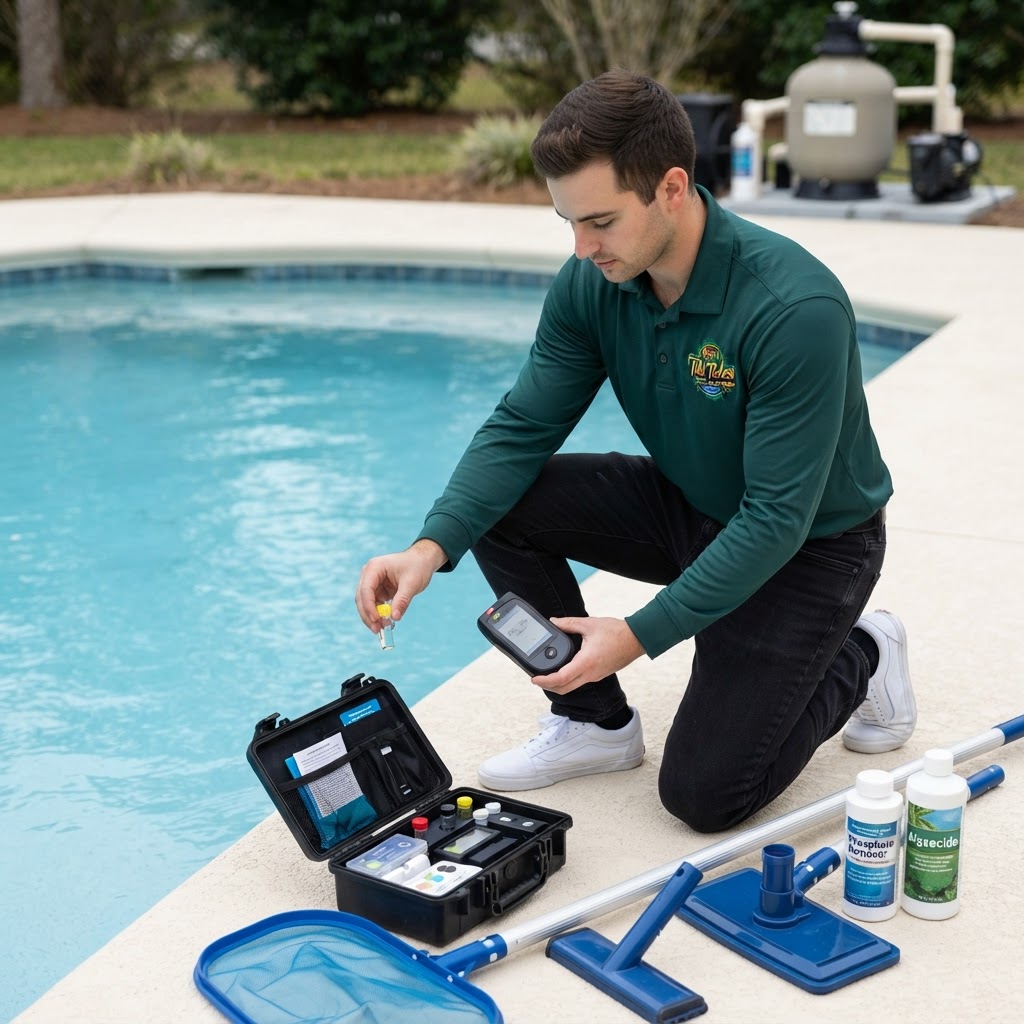
To manage your pool effectively, you must test for phosphates using a dedicated phosphate test kit or by bringing a sample to a professional. Use the following ranges to determine your action plan:
- 0–100 ppb: Ideal. Algae will struggle to find enough food to bloom.
- 100–500 ppb: Acceptable. Monitor closely and ensure your chlorine remains in the 1.0–3.0 ppm range.
- 500–1,000 ppb: High. Treatment with a phosphate remover is recommended to prevent a bloom.
- 1,000+ ppb: Critical. Immediate phosphate removal is required to maintain water safety and clarity.
Pro Tip: If you test your water while you have an active algae bloom, your phosphate reading might actually show as 'low.' This is a false negative! The algae are currently consuming the phosphates, locking them inside their cellular structure. Always treat the algae first, then test for phosphates once the water is clear.
How to Remove Phosphates: A Step-by-Step Guide
If your levels have exceeded 500 ppb, it is time to use a phosphate remover. Most high-quality removers use lanthanum chloride, which binds to the phosphates and turns them into a solid precipitate that your filter can catch.
- Clean the Pool: Remove all visible debris, leaves, and organic matter. Skim the surface and vacuum the floor.
- Balance the Water: Ensure your pH is between 7.2 and 7.8 and your Free Chlorine is between 1.0 and 3.0 ppm. Chemicals work most efficiently in balanced water.
- Add Phosphate Remover: Follow the manufacturer's instructions for dosage based on your pool's volume and current ppb level. Pour the product slowly around the perimeter of the pool or into the skimmer (check the label for specific instructions).
- Run the Filter: Keep your pump running for at least 24 to 48 hours. The water will likely turn cloudy—this is a sign the product is working and the phosphates are being neutralized.
- Monitor Filter Pressure: As the filter captures the neutralized phosphates, the pressure will rise. Backwash or clean your filter cartridges once the pressure increases 8–10 psi above your clean starting pressure.
- Retest: After 48 hours, retest the phosphate levels. If they are still above 100 ppb, a second treatment may be necessary.
Safety Notes
Handling pool chemicals requires care and attention to detail. Always follow these safety protocols:
- Storage: Store phosphate removers in a cool, dry place away from direct sunlight and out of reach of children.
- Mixing: Never mix different pool chemicals together. Add each chemical to the pool water separately.
- Swimming: Most phosphate removers allow for swimming shortly after application, but always check the specific product label. We recommend waiting until the water cloudiness has dissipated and the filter has had a chance to cycle the water.
- Chemical Ranges: Always maintain these industry-standard levels for safety:
- Free Chlorine: 1.0–3.0 ppm
- pH: 7.2–7.8
- Total Alkalinity: 80–120 ppm
- Calcium Hardness: 200–400 ppm
- Cyanuric Acid (CYA): 30–50 ppm
When to Call a Professional
While phosphate removal is a standard part of DIY maintenance, some situations require the expertise of a certified technician. You should call Tiki Tides Pools if:
- Your phosphate levels remain high despite multiple treatments.
- You are experiencing recurring algae blooms even with perfect chemical balance.
- Your filter pressure rises rapidly and requires cleaning every few hours (this may indicate a larger filtration or contamination issue).
- You are uncomfortable handling concentrated chemical treatments or performing deep filter cleans.
Summary
Phosphates are the 'hidden fuel' that can turn a beautiful swimming pool into a maintenance nightmare. By understanding that these nutrients enter through rain, debris, and swimmers, you can take proactive steps to keep them in check. Regular testing, prompt removal of organic debris, and the occasional use of a phosphate remover will ensure that your chlorine remains effective and your water stays crystal clear all season long. Remember, a pool with low phosphates is a pool where algae simply cannot survive.